| Feature | GPT Image 2.5 | Grok Imagine Image 2 |
|---|---|---|
| Vendor | OpenAI | xAI |
| Rate on UGESI | 19 credits per image | 8 credits per image |
| Clip lengths | n/a | n/a |
| Resolutions | model default | model default |
| Best for | Edits and product shots where the subject must stay recognizable. | Fast concepts, logos and social graphics where a low rate matters. |
| Watch out for | Small, dense text can still break. | Edits take one input image. Proportions are kept from the photo when editing. |
Same prompt on both models
One run per model with the same prompt and format, shown as the model returned it, not retouched. Credits are what the same run costs you here.
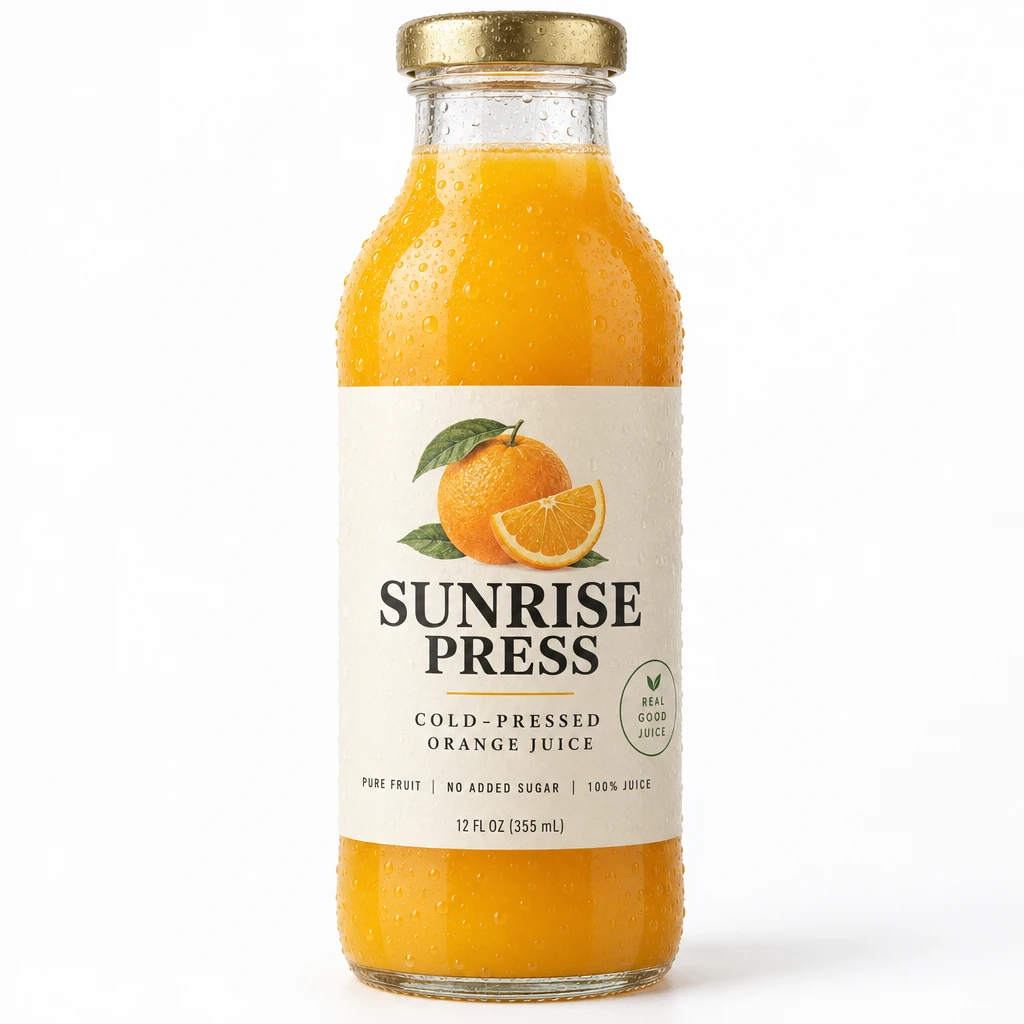
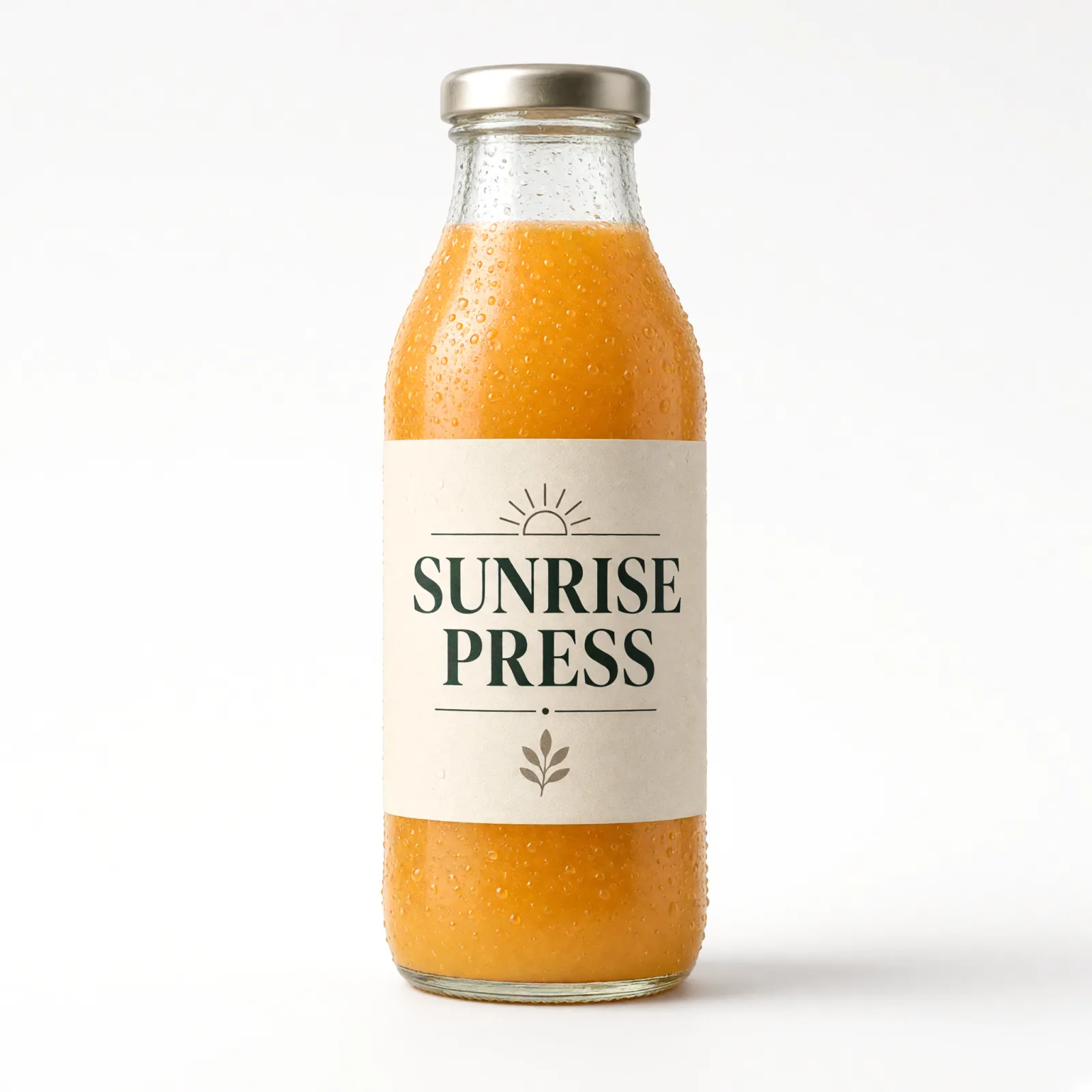
Prompt: Studio product photo of a glass bottle of cold-pressed orange juice with a paper label that reads SUNRISE PRESS in bold serif letters, condensation droplets, soft daylight, plain white seamless background.
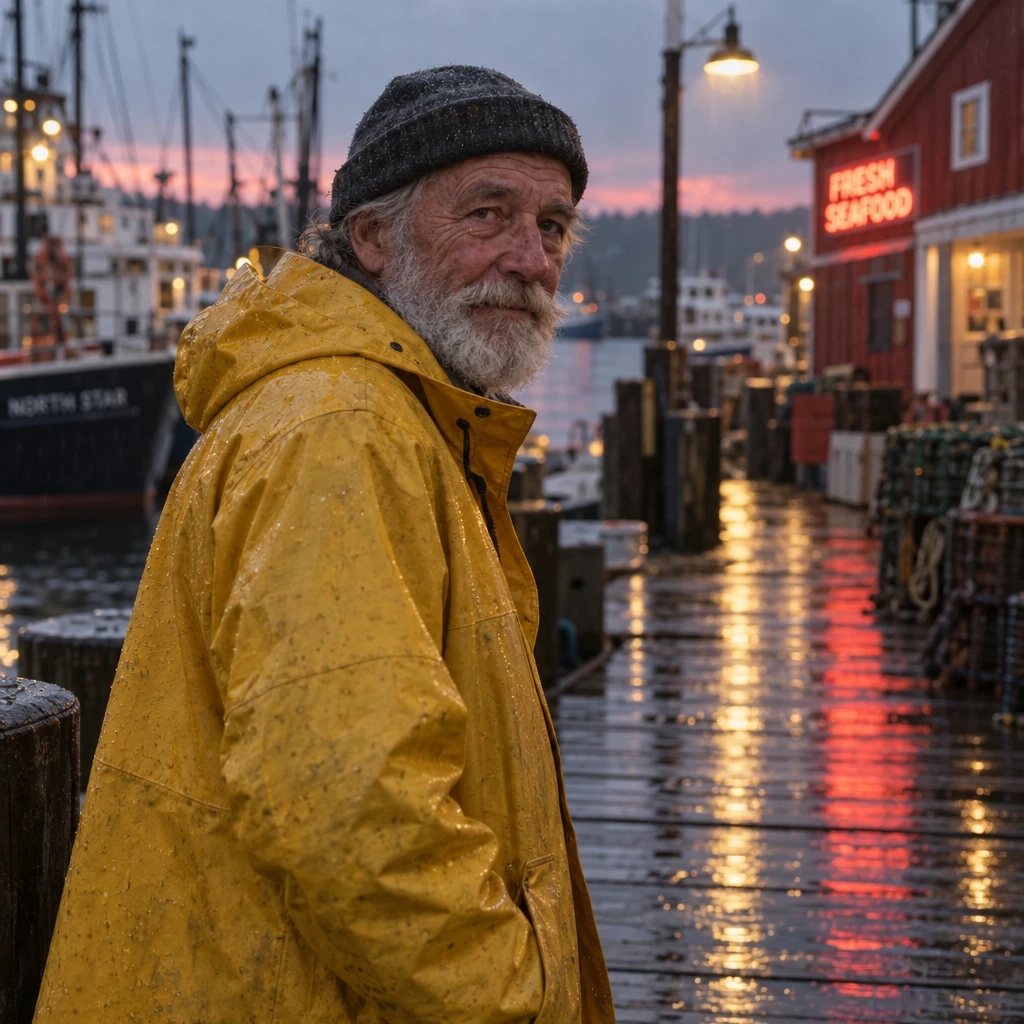
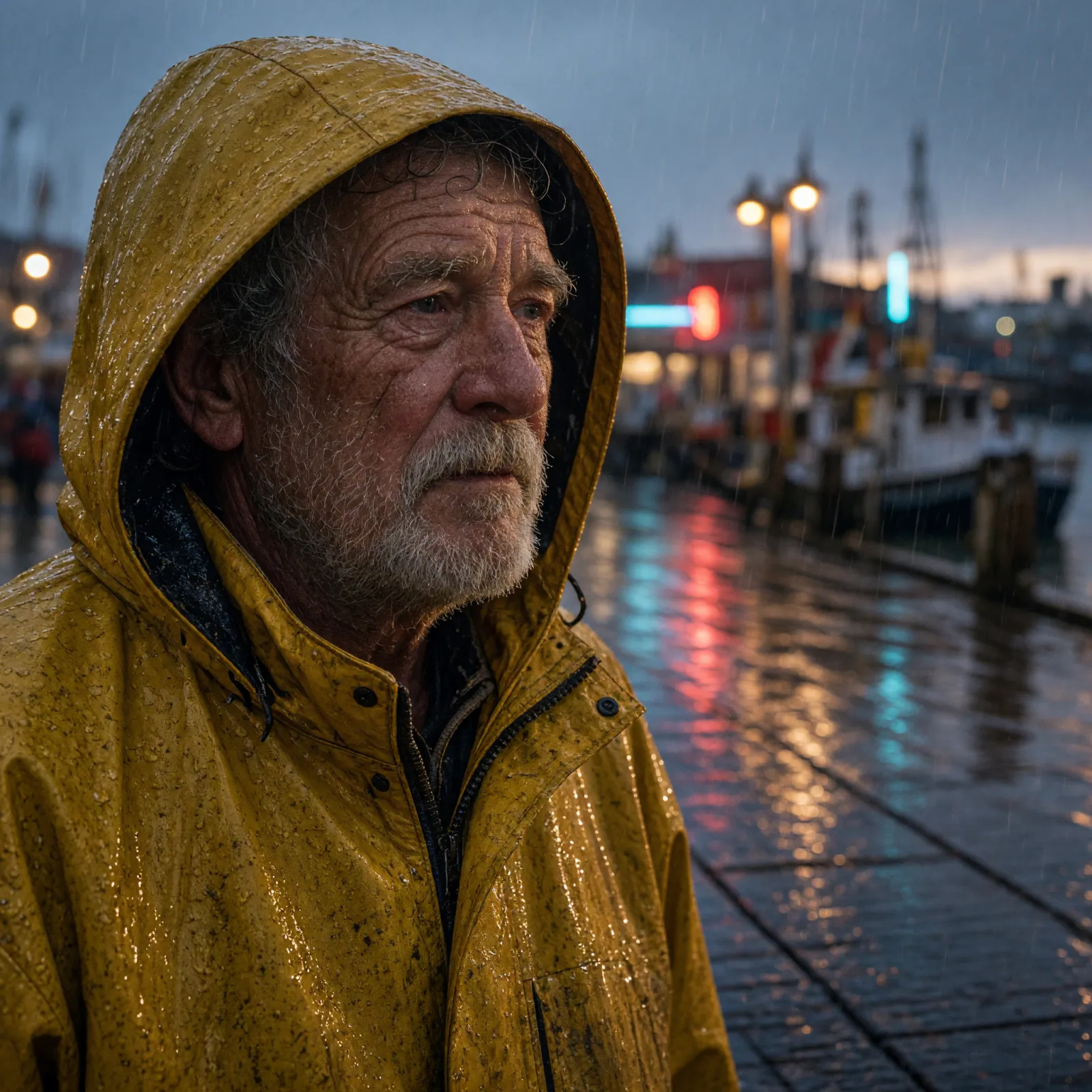
Prompt: Candid street portrait of a fictional elderly fisherman in a yellow raincoat on a harbor pier at dusk, light rain, neon reflections on the wet planks, 85mm lens, shallow depth of field.
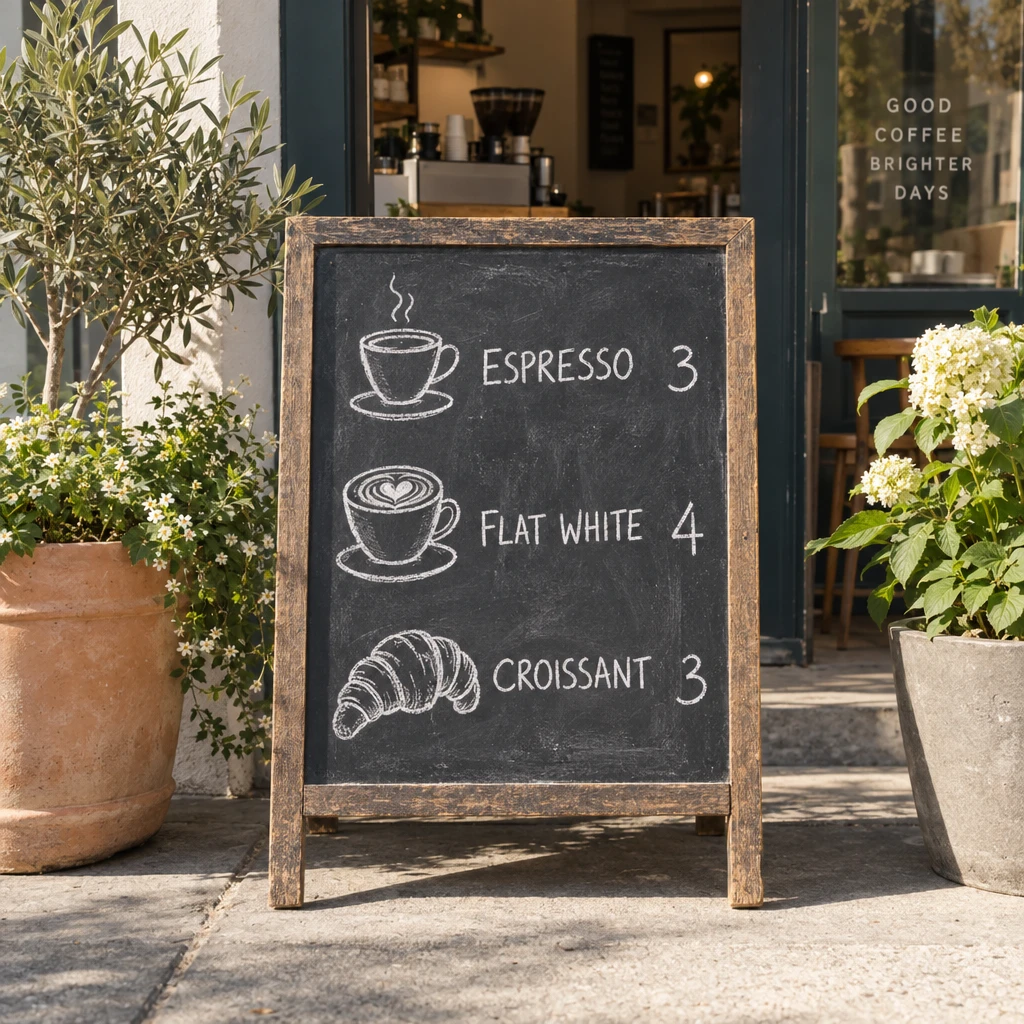
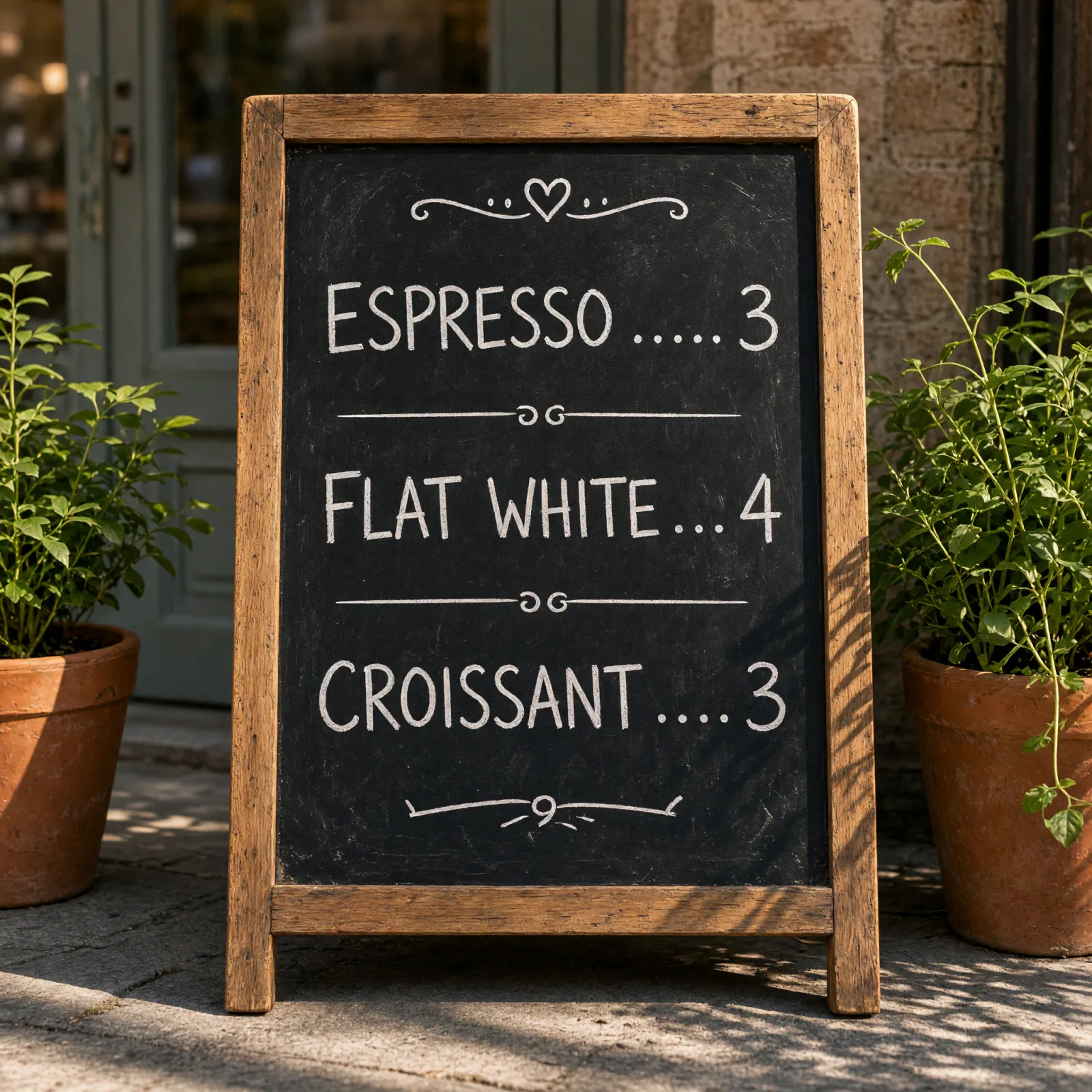
Prompt: Chalkboard menu outside a small cafe listing ESPRESSO 3, FLAT WHITE 4, CROISSANT 3 in hand-drawn chalk lettering, potted plants on both sides, morning sun, photographed straight on.
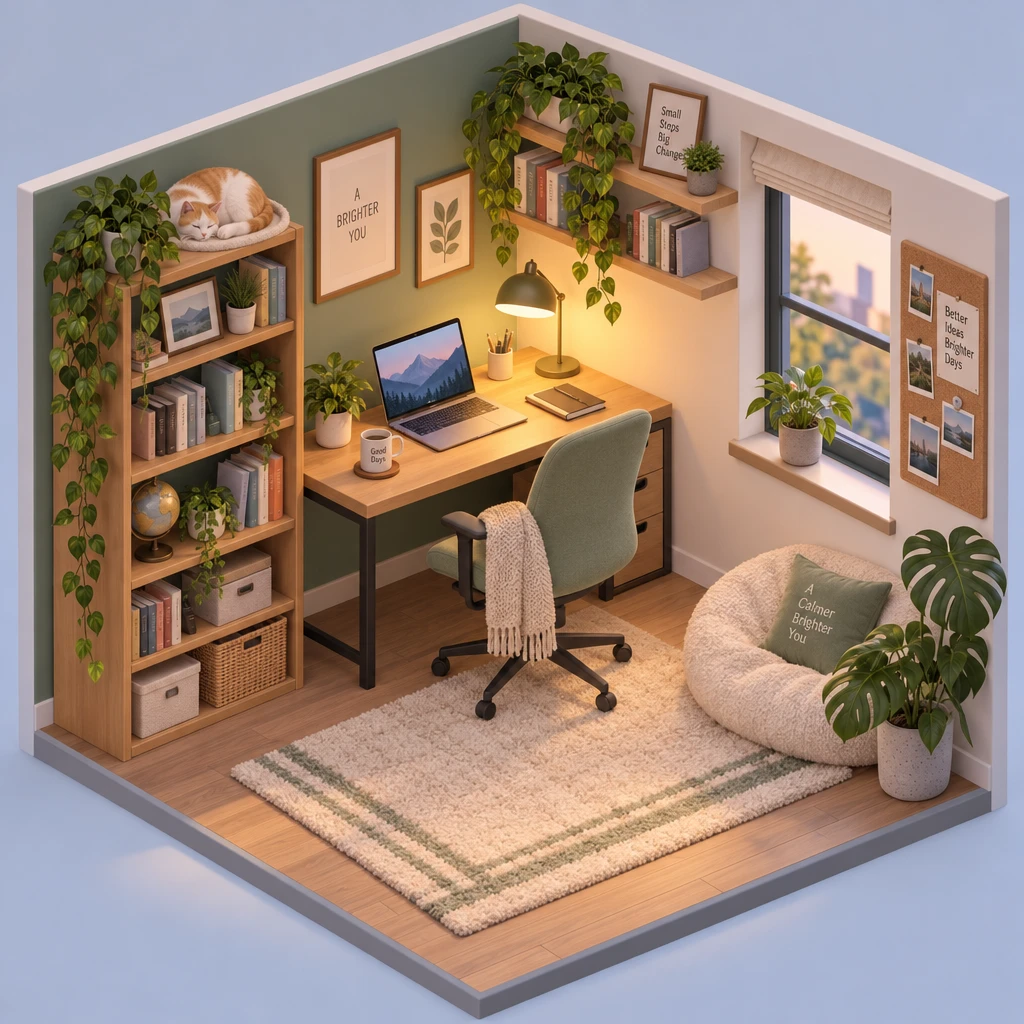

Prompt: Isometric 3D illustration of a cozy home office inside a cutaway cube: a desk with a laptop, a cat asleep on a shelf, a warm desk lamp, plants, soft pastel colors, clean smooth shading.
Grok Imagine Image 2 costs 8 credits per image and is listed for fast concepts, logos and social graphics. GPT Image 2.5 costs 19 credits and is listed for edits and product shots where the subject must stay recognizable. Explore on Grok, then finish on GPT Image 2.5 when the details have to hold.
Low-cost drafts or controlled edits
Grok Imagine Image 2 from xAI is listed with 2K images at a low rate, bold and punchy graphic styles, and edits from a short instruction. Its listed limits: an edit takes one input image, and the proportions of that photo are kept.
GPT Image 2.5 from OpenAI is listed for sharper detail, more natural light and keeping the subject of a reference photo. It follows edits reliably over several rounds. Its listed limit is that small, dense text can still break.
What a batch of ideas costs
One image costs 8 credits on Grok Imagine Image 2 and 19 credits on GPT Image 2.5. Ten drafts cost 80 credits against 190 credits. Among the 41 image models billed per image, Grok Imagine Image 2 ranks 24th from the cheapest and GPT Image 2.5 38th.
Where you can run each
Both are in AI Image Generator, AI Image Editor, AI Logo Generator and AI Poster Generator. GPT Image 2.5 is also in many photo tools, including AI Product Photography, AI Headshot Generator and YouTube Thumbnail Generator. Grok Imagine Image 2 is only in those four.
A practical split for logos and posters
In AI Logo Generator, run a few presets on Grok Imagine Image 2 to find a direction at a low rate. When one concept works, run the same prompt on GPT Image 2.5 and compare edges, spacing and lettering at the size you will use. Keep the cheaper result when you cannot tell them apart.
Questions about GPT Image 2.5 and Grok Imagine Image 2
Which one is cheaper?
Grok Imagine Image 2, at 8 credits per image against 19 credits on GPT Image 2.5.
Which one is better for editing a photo?
GPT Image 2.5 is listed for keeping the subject of a reference photo over several rounds of edits. Grok Imagine Image 2 edits from a short instruction, takes one input image and keeps that photo's proportions.
Can both make logos?
Yes. Both are in AI Logo Generator next to Recraft V3 and Nano Banana Pro, and the tool's presets run on any of them.
