How to use Sound Effects
Add a clip if timing matters
Under "Your video (optional)", you can upload the shot that needs sound. Use MP4, MOV or WebM, up to 100 MB. The effect is then generated against what happens on screen, so hits land closer to the cut. Without a clip, the text alone decides.
Name the source, surface and space
In "Describe the sound", say what makes the sound, on what surface and in what space. For example: "heavy wooden door slams in a stone hallway, short echo". A "Style preset" chip such as "Rain" or "Impact" fills in a full description and replaces your text.
One sound per run, then layer
There is no length setting and the results are short clips. For a busy scene or a long ambience, generate each layer separately, such as footsteps, rain and traffic. Then stack them in your editor.
Listen in context and refine
Press "Generate sound" and play it under the picture, not on its own. If it sounds muddy, cut the description down to one source; if the timing is off, upload the clip. If it sounds generic, add the surface or the space.
What a real job costs here
Runs on this page cost 5 credits. At the best pack rate that is about $0.0532.
| Pack | Credits | Runs with Sound Effects |
|---|---|---|
| $9 | 750 | 150 |
| $19 | 1,650 | 330 |
| $39 | 3,500 | 700 |
| $79 | 7,300 | 1,460 |
| $149 | 14,000 | 2,800 |
What this model is good at and where it stops
Sound Effects: Impacts, weather and room tone for short video. Short effects from a text description. Watch out for: short clips only.
Sound is half the edit
Silent generated video reads as fake. One layer of ambience and two effects fix that faster than any visual tweak.
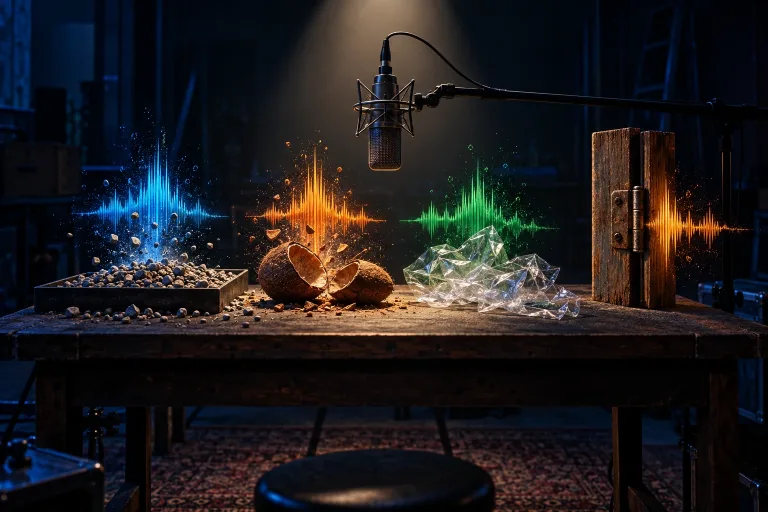
Describe it like a foley artist
Name the source, the surface and the space. "Footsteps on wet gravel" beats "footsteps" every time.
Match it to a clip
Upload the video and the effect is generated against what happens on screen. Timing lands closer to the cut.
Frequently asked questions
What length do I get?
Short clips suited to layering in an edit. Generate several and stack them.
Can I use it commercially?
No, not for paid or client work. The model behind this tool is released under CC BY-NC 4.0, which restricts commercial use. Use the clips in personal and non-commercial projects.
Do I need a video?
No. The upload is optional and only helps timing.
What does Sound Effects cost here?
5 credits per clip. The exact total appears above the button before you generate.
