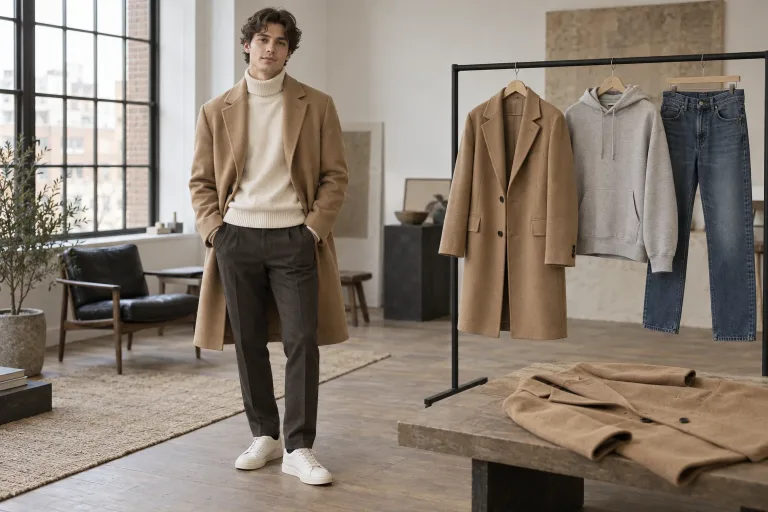
How to use AI Clothes Changer
Upload a full-length person photo
Add a photo under Person photo where the whole outfit is visible. Aim for a natural pose, arms not crossing the body and even light. JPG, PNG or WebP up to 10 MB. Check the consent box: the person shown must agree to the edit.
Add the garment or pick a preset
When the exact product must appear, upload one garment under Garment photo (optional). Shoot it flat or on a hanger, well lit, with nothing else in the shot. Otherwise pick Business suit, Summer dress, Streetwear, Evening gown, Winter coat, Smart casual or Tuxedo under Style preset.
Describe the clothes only
In "Describe the outfit (or upload one)", write fabric, color and fit. For example: "navy linen shirt with rolled sleeves, beige chinos". Leave the face and body out of it. A preset replaces this text, so click it before you type.
Check the face and the fabric
Press "Change outfit" and check the face, hands and the edges where clothes meet skin. If a detail of the face changes, rerun with "keep the face unchanged" added. The result shows the look, not how a size will fit.
What a real job costs here
The cheapest model on this page charges 14 credits and the most expensive 38 credits. At the best pack rate that is about $0.1490 up to $0.4044.
| Pack | Credits | Runs with Nano Banana Pro |
|---|---|---|
| $9 | 750 | 19 |
| $19 | 1,650 | 43 |
| $39 | 3,500 | 92 |
| $79 | 7,300 | 192 |
| $149 | 14,000 | 368 |
Choosing between the models on this page
GPT Image 2 (medium): Posters, menus, interfaces and any image with readable text. Typography that stays readable at small sizes. Watch out for: not the most photoreal option.
GPT Image 2.5: Edits and product shots where the subject must stay recognizable. Sharper detail and more natural light. Watch out for: small, dense text can still break.
Nano Banana Pro: Hero images where realism decides the result. Photoreal skin and texture. Watch out for: higher rate than everyday image models.
Two ways to dress a photo
Describe the outfit in words (tailored navy suit, white sneakers) or upload a photo of the garment. The model transfers it onto the person - drape, fit and lighting matched to the original shot.
Identity comes first
Nano Banana Pro is the default because it holds faces and skin best while rewriting clothing. Keep the instruction about clothes only. The engine is told to leave the face, hair and pose untouched.
From closet test to campaign
One photo can try a whole collection. Run each outfit as a variation, upscale the winner. Or animate it into a short try-on clip for product pages and social.
Outfit ideas on your own photo
Not sure what to wear to an interview, a wedding or on a trip? Try several looks on one photo and compare them side by side. Choose Smart casual, Business suit, Streetwear, Tuxedo or an outfit you describe yourself. You can also name the occasion instead of the clothes, e.g. "outfit for an autumn wedding, muted colors". The model then picks the pieces. You see the colors and the style on you, not how a size fits.
Frequently asked questions
Do I need a garment photo?
No - a description is enough. A garment photo helps when the exact product must appear, e.g. for a shop listing.
Will the face change?
The instruction pins identity, and the default model is chosen for exactly that. If a detail drifts, rerun with "keep the face unchanged" added.
Is this a virtual try-on?
It is the creative version of one: honest visualization for content and catalogs, not a fit-measurement tool. Sizing is not simulated.
Can it come up with an outfit for me?
Yes, if you give it a direction. Describe the occasion, the season and the colors you like, and the model chooses the clothes. Each run gives a different take. For a fixed starting point, pick one of the seven style presets.
