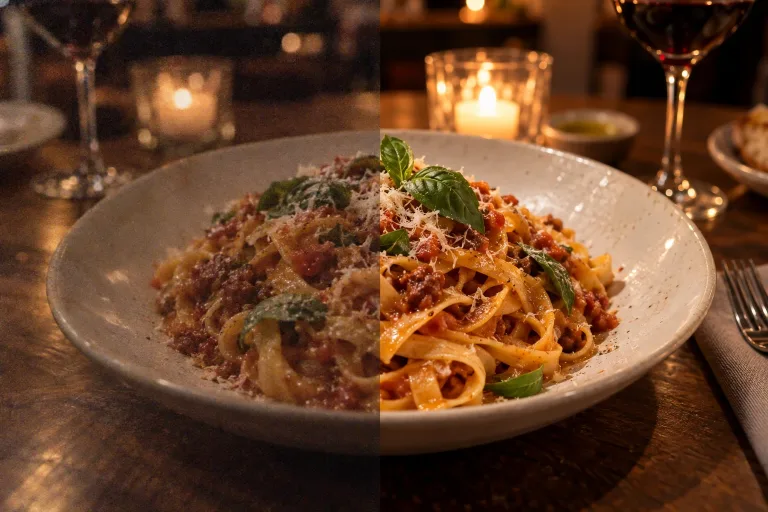
How to use AI Photo Enhancer
Upload the soft or noisy photo
Add the photo under Your image: zoomed phone shots, low-light pictures and old scans are typical cases. Use the original file, not a screenshot or a messenger copy that has already lost detail. JPG, PNG or WebP up to 10 MB.
Run the enhancement
The enhancement is automatic, has no settings and works from the photo alone. Press "Enhance photo". Very small or badly blurred faces get guessed rather than recovered, so expect them to change the most.
Check faces and fine detail
Zoom in on eyes, hair and skin. Automatic enhancement can make skin look waxy or add texture that was not there. If it does, start again from the best original you have. For a larger print size, continue with the 4× upscaler. For content changes, use the photo editor.
What a real job costs here
Runs on this page cost 10 credits. At the best pack rate that is about $0.1064.
| Pack | Credits | Runs with Photo Enhance (2×) |
|---|---|---|
| $9 | 750 | 75 |
| $19 | 1,650 | 165 |
| $39 | 3,500 | 350 |
| $79 | 7,300 | 730 |
| $149 | 14,000 | 1,400 |
What this model is good at and where it stops
Photo Enhance (2×)
Automatic on purpose
The intent here is "improve this photo", not "tune parameters". The enhancer runs one automatic pass that sharpens, cleans noise and doubles the size. It is aimed at the common failure cases: phone zoom, low light, old scans.
Faces get the same pass
There is no separate face-restore step. Faces go through the same pass as the rest of the photo. That means very small or blurred faces can change. When a face matters most, try face restoration first.
Enhance, then decide
Enhancement is the diagnosis step: if the improved photo still lacks pixels, send it to the 4x upscaler. If the content needs changing, the AI photo editor is one click away.
Product shots for listings
A slightly soft phone photo of a product is a good case for it. Edges get crisper, noise drops, and the photo comes back at twice the size. That helps where buyers zoom in. Small text on a label can be guessed rather than recovered. Read it at full size before you publish. The background and light stay as they were; for a new background, send the result to AI Product Photography.
What a run costs here
10 credits per image. The exact total sits above the button before you generate.
Frequently asked questions
Enhancer vs upscaler - which one?
The enhancer cleans and sharpens the photo and returns it at 2x size. The upscaler enlarges by 4x. Old or soft photo - enhance first. Large print or tight crop - upscale after.
Does it work on faces?
Faces get the same automatic pass as the rest of the photo; there is no dedicated face-restore step. For a portrait where the face is soft, use face restoration.
Is the photo enlarged?
Yes, by 2x. Very large photos are reduced first and then doubled. This means the result is not always twice the size of the original file.
Should I enhance before or after changing the background?
Before. Enhance the original first, then cut it out or place it in a new scene. That way the next tool starts from sharper edges.
What does enhancing one photo cost?
10 credits per image. The exact total appears above the button before you generate.
