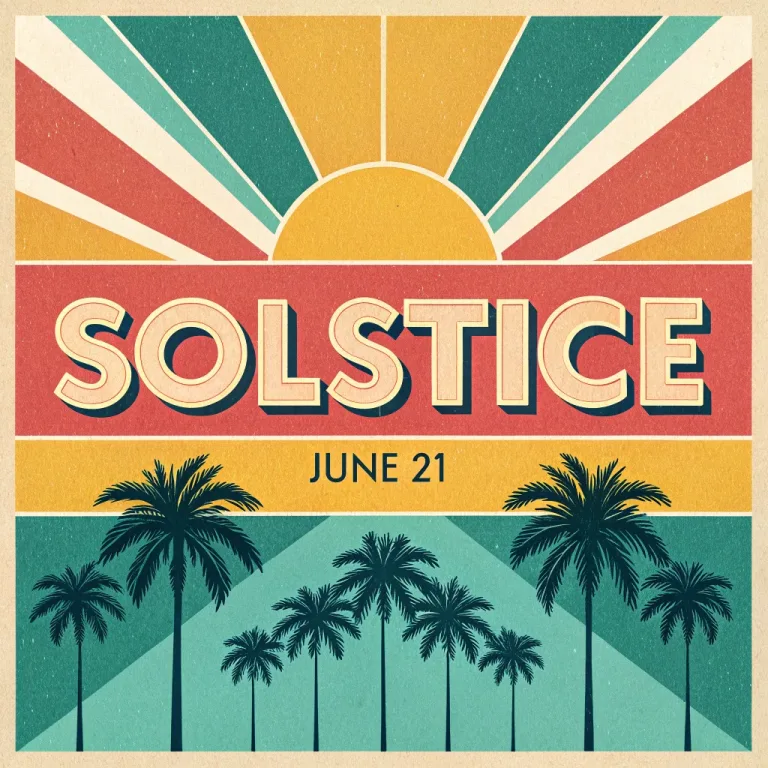
How to use AI Poster Generator
Start with a preset or from scratch
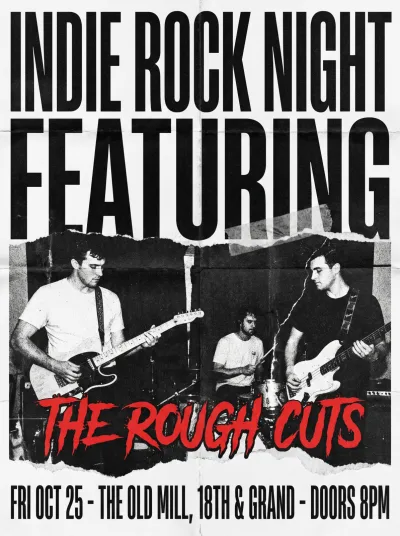
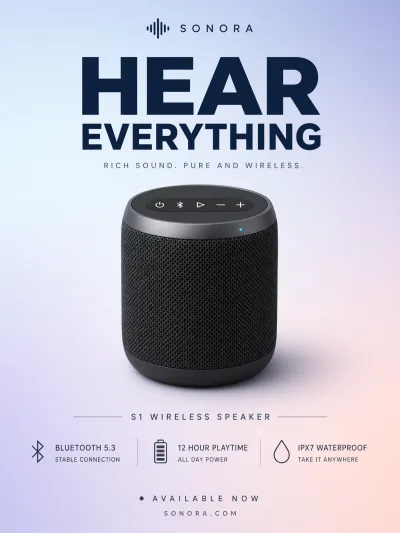
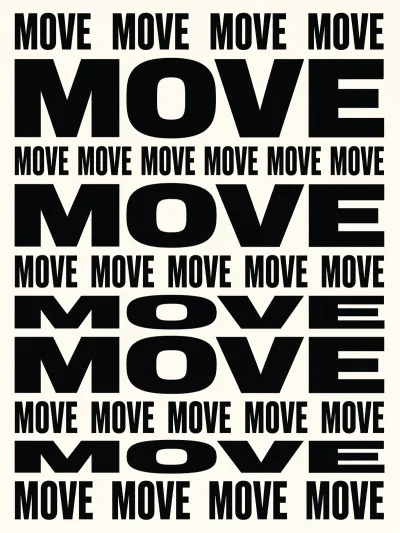
The chips under Style preset load complete poster prompts. Choose a concert, a movie, a product launch, a festival or a typographic design. A chip replaces the text in the box, so pick it first and then swap in your own facts.
Give it the real information
In "Describe the poster", write the headline exactly as it should appear, plus date, venue and one mood word. For example: "summer book fair, headline READ OUTSIDE, June 14, City Library garden, bright and playful". Short headlines come out cleanest.
Pick the format first
Under Format, choose Portrait 3:4 for a classic print poster or Landscape 4:3 for screens and banners. Square 1:1 suits social posts. The layout is composed for that shape, so decide before you generate.
Proofread every line
Press "Generate poster" and read every word, date and number before you use it. If a letter drifts, shorten the text and run again. Before printing, upscale the poster. A file that looks sharp on screen is too small for a large print.
Presets, model by model
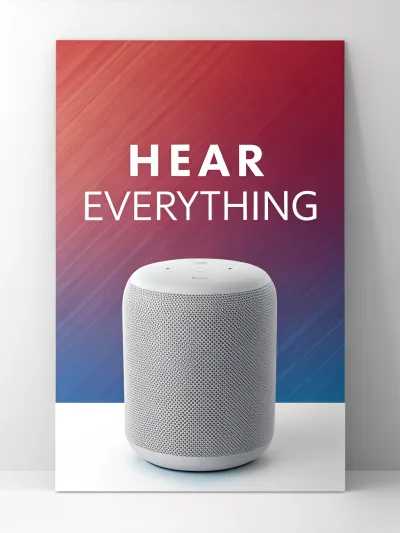
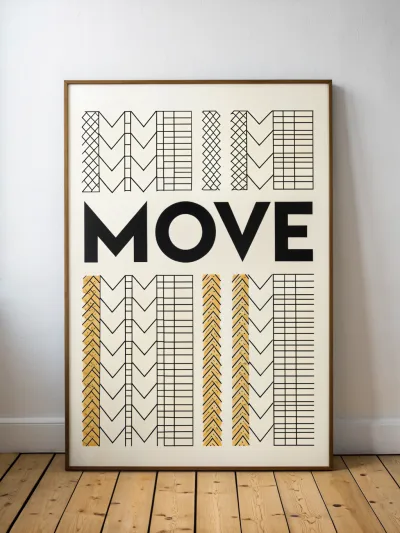
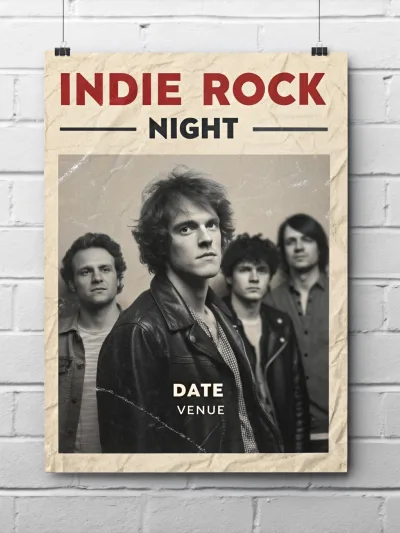
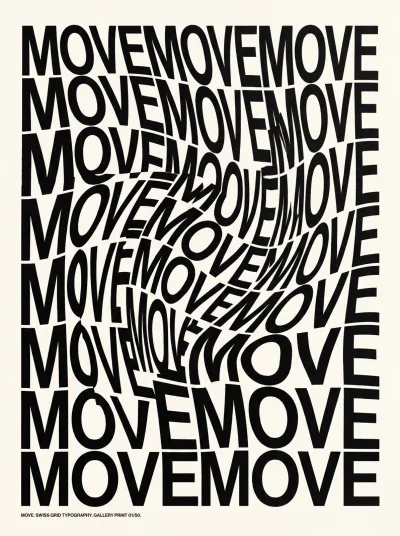
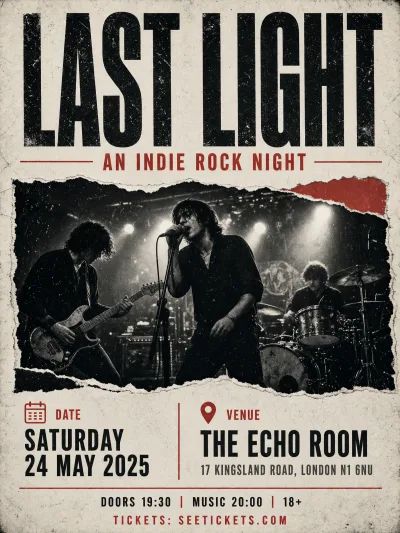
Each example is one run of the preset prompt on that model, straight from the model and not retouched. Switch models to compare, then use the preset in the form above.
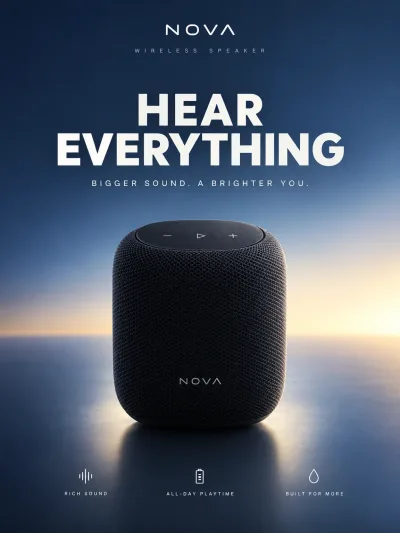
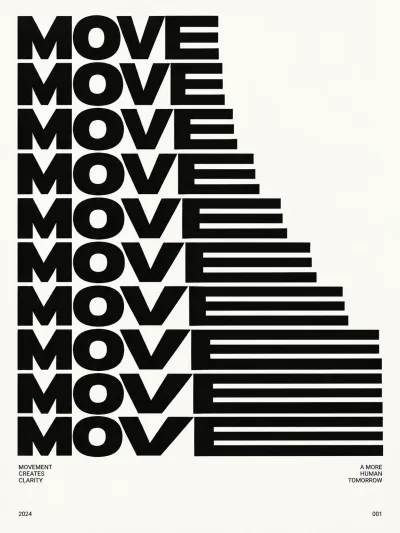
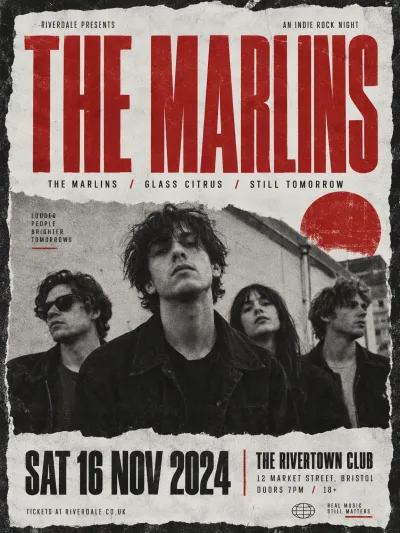
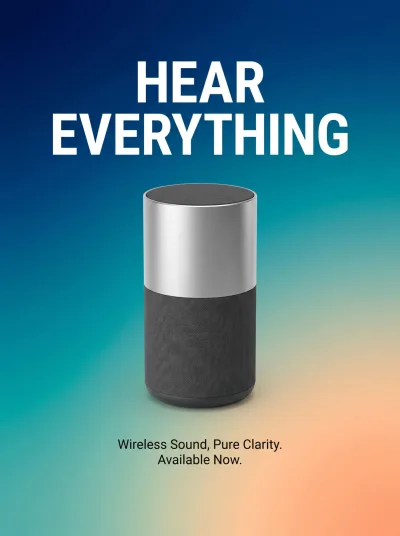
What a real job costs here
The cheapest model on this page charges 6 credits and the most expensive 38 credits. At the best pack rate that is about $0.0639 up to $0.4044.
| Pack | Credits | Runs with Recraft V3 |
|---|---|---|
| $9 | 750 | 125 |
| $19 | 1,650 | 275 |
| $39 | 3,500 | 583 |
| $79 | 7,300 | 1,216 |
| $149 | 14,000 | 2,333 |
Choosing between the models on this page
Recraft V3: Logos, posters and text graphics. Strong on long in-image text. Watch out for: not a photoreal model.
Grok Imagine Image 2: Fast concepts, logos and social graphics where a low rate matters. 2K images at a low rate. Watch out for: edits take one input image.
GPT Image 2.5: Edits and product shots where the subject must stay recognizable. Sharper detail and more natural light. Watch out for: small, dense text can still break.
Nano Banana Pro: Hero images where realism decides the result. Photoreal skin and texture. Watch out for: higher rate than everyday image models.
Posters live or die on type
Most image models cannot spell. This one was built for design output, so headlines stay legible and hierarchy survives.
Give it the facts
Name, date, venue and one mood word. The layout has to hold real information, so give it real information.
Print needs pixels
Generate, pick the keeper, then upscale. A poster that looks sharp on screen falls apart at A2 without that step.
Frequently asked questions
Will the text be correct?
Usually. Read every line and rerun if a letter drifts. Short headlines are safest.
Can I get a specific size?
Pick it under Format before you generate: Portrait 3:4, Landscape 4:3 or Square 1:1. For any other ratio, expand the frame afterwards, then upscale.
Can I sell the poster?
Yes on paid packs, under the UGESI terms.
What does Recraft V3 cost here?
6 credits per image. The exact total appears above the button before you generate.
