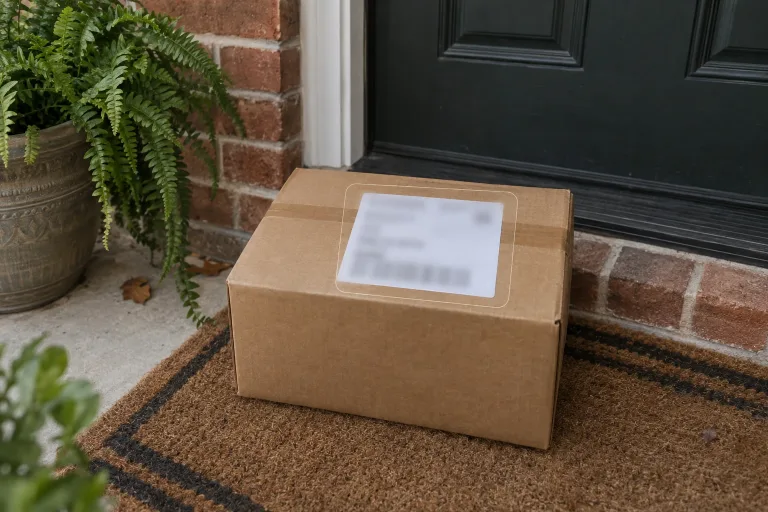
How to use Blur Text in Image
Upload the full-size original
Under "Your image", add the photo or screenshot at full size, so every word you want hidden is readable. JPG, PNG or WebP up to 10 MB. Keep the original file: the result is a new image, not a layer you can undo.
Pick a cover style, name the text
Pick "Blur", "Pixelate", "Black bar" or "Soft blur" under "Style preset". Then edit the text in "What text should be hidden?" to name each item and where it is. For example: "the house number on the door, top left". With the box left empty, all readable text is blurred.
Match the Format to your image
Under "Format", choose the shape closest to your picture: "Square 1:1", "Landscape 3:2" or "Portrait 2:3". The result comes out in that shape, so a mismatch can change the framing of the scene.
Zoom in before you share
Press "Blur the text" and zoom in on every name, number and address: each must be unreadable. Compare the rest with the original, because the whole image is redrawn and small details can shift. If something is still legible, name it with its position and run again.
What a real job costs here
The cheapest model on this page charges 14 credits and the most expensive 19 credits. At the best pack rate that is about $0.1490 up to $0.2022.
| Pack | Credits | Runs with GPT Image 2 (medium) |
|---|---|---|
| $9 | 750 | 53 |
| $19 | 1,650 | 117 |
| $39 | 3,500 | 250 |
| $79 | 7,300 | 521 |
| $149 | 14,000 | 1,000 |
Choosing between the models on this page
GPT Image 2 (medium): Posters, menus, interfaces and any image with readable text. Typography that stays readable at small sizes. Watch out for: not the most photoreal option.
GPT Image 2.5: Edits and product shots where the subject must stay recognizable. Sharper detail and more natural light. Watch out for: small, dense text can still break.
Sharing a screenshot is a privacy decision
Order numbers, addresses, emails and badges leak more than people expect. Covering them takes one instruction.
Four ways to cover text
Full blur, pixelation, a solid bar or a soft blur that hints at text without revealing it. Pick what suits the screenshot.
Blur or remove
Blurring shows that something was there. Removing pretends it never was. If the layout should stay honest, blur it.
Frequently asked questions
Is the blur reversible?
The output is a new image with the text rendered unreadable, not a filter layer. Keep the original if you need it.
Can it blur faces too?
Name them in the instruction. The same pass covers whatever you point at.
Should I blur or remove?
Blur when the reader should know something was hidden. Remove when the element should not exist at all.
What does GPT Image 2 (medium) cost here?
14 credits per image. The exact total appears above the button before you generate.
