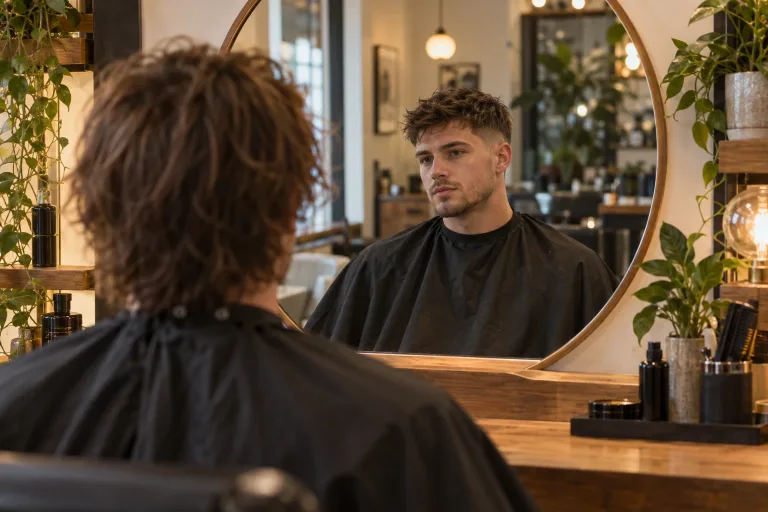
How to use AI Hairstyle Changer
Upload a front-facing photo
Under Your image, add a photo facing the camera in even light, with all of the hair in frame. Hats and heavy shadows blur the line between hair and background. JPG, PNG or WebP up to 10 MB. Then check the consent box.
Describe the new hair
The Describe the hair box is required. Name the length, bangs, texture and color, such as "collarbone-length layers, middle part, straight, light chestnut". To change only the color, name just the color and leave the cut out.
Use a preset and pick the format
Each Style preset, such as Bob cut, Long waves or Platinum blonde, replaces the box text. It puts in a full instruction you can edit. Under Format, pick the shape closest to your photo, such as Portrait 4:5 for a phone portrait.
Check the hairline on a close crop
Press "Change hairstyle" and zoom in on the hairline, ears and the edge of the hair. If the edge looks pasted on, use a photo without a hat and in softer light. If the face changes too, ask for less per run, for example the cut first and the color next.
What a real job costs here
Runs on this page cost 38 credits. At the best pack rate that is about $0.4044.
| Pack | Credits | Runs with Nano Banana Pro |
|---|---|---|
| $9 | 750 | 19 |
| $19 | 1,650 | 43 |
| $39 | 3,500 | 92 |
| $79 | 7,300 | 192 |
| $149 | 14,000 | 368 |
What this model is good at and where it stops
Nano Banana Pro: Hero images where realism decides the result. Photoreal skin and texture. Watch out for: higher rate than everyday image models.
The decision is expensive, the preview is not
A cut grows back in months. Seeing it first costs a few credits and takes a minute.
What the model keeps
Face, skin tone, expression and pose are kept as far as the model can. That is why the result still looks like you. The whole picture is redrawn in the shape picked under Format. Choose the one closest to your photo, because another shape gets reframed.
Photos that work
Front-facing, even lighting, hair fully in frame. Hats and heavy shadows confuse the boundary between hair and background.
Frequently asked questions
Will it still look like me?
That is the point of the model we picked. Judge on a close crop, not a full-body shot.
Can I change the color only?
Yes. Name the color and leave the cut out of the prompt.
Can I use someone else's photo?
Only with their permission. Editing a person's appearance without consent is not acceptable use.
Can it give me long hair?
Yes. Pick "Long waves" or name the length and the color, such as "hair to mid-back, dark brown".
