How to use Animate Character
Upload the character
Add the character under Your image: full body visible, sharp, on a plain background. Keep hands and feet inside the frame. JPG, PNG or WebP up to 10 MB. Use a character you own or generated yourself.
Add a reference clip (optional), confirm consent
To copy a movement, upload a short clip under Your video and pick Kling 3.0 Motion Control under Model. Use one person, full body in frame, a clean background and a steady camera. MP4, MOV or WebM up to 100 MB. With a clip, the result is as long as the clip, from 3 to 30 seconds. Check the consent box: the footage must be yours or licensed.
Describe the move, set the length
Pick a preset such as Wave hello or Dance, or write the movement in "Describe the movement". For example: "waves twice, then smiles at the camera". With Kling 3.0 the motion comes from this text, so do not leave it empty. Then choose Duration (5, 10 or 15 seconds) and Resolution (720p or 1080p).
Check face and hands, then refine
Press "Animate character" and check the face and hands on close frames. If the face drifts, use a sharper image with the face clearly visible. If the motion goes wrong, ask for one simple action per clip with a still camera.
What a real job costs here
Runs on this page cost 27 credits per second. At the best pack rate that is about $0.2874 per second. A 6-second clip costs 162 credits, roughly $1.72.
| Pack | Credits | Seconds with Kling 3.0 |
|---|---|---|
| $9 | 750 | 27 |
| $19 | 1,650 | 61 |
| $39 | 3,500 | 129 |
| $79 | 7,300 | 270 |
| $149 | 14,000 | 518 |
Choosing between the models on this page
Kling 3.0: Action, product handling and anything where physics has to look right. Physical motion at 1080p. Watch out for: no sound: clips come back silent.
Kling 3.0 Motion Control: Making a character from one photo perform a move recorded in another video. Copies body movement and gestures from a reference video. Watch out for: reference video must run 3 to 30 seconds.
Two ways to set the motion
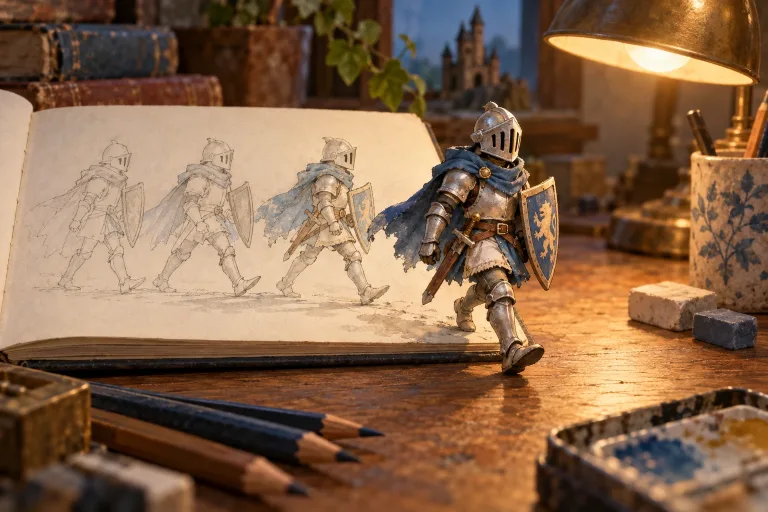
Describe it, and Kling 3.0 animates your character from the image and the text. Or upload a reference clip and pick Kling 3.0 Motion Control. The character then performs the moves from the clip, and the clip sets the length.
Where it changes the workflow
Dance clips, gesture loops, walk cycles and product presenters. The presets write these moves out in full; pick one, then change the wording to fit your character.
Consent is required
Reference footage must be yours or licensed. The character must be yours or generated. The consent box is enforced.
Frequently asked questions
Does the reference clip shape the motion?
Yes, with Kling 3.0 Motion Control. It copies the movement and timing of the clip onto your character. Kling 3.0 ignores the clip and follows your text.
Does the character keep its face?
Identity is preserved as far as the model allows. Judge on close frames and rerun if it drifts.
How is it priced?
Per second of output video. Kling 3.0 costs 27 credits per second at 1080p and less at 720p. Motion Control costs 27 credits per second of your clip at 1080p. The total is shown before you generate.
Is this Wan 2.2 Animate?
No. Its provider no longer offers Wan 2.2 Animate. Kling 3.0 Motion Control does the same job: it moves your character with the motion from a clip.
