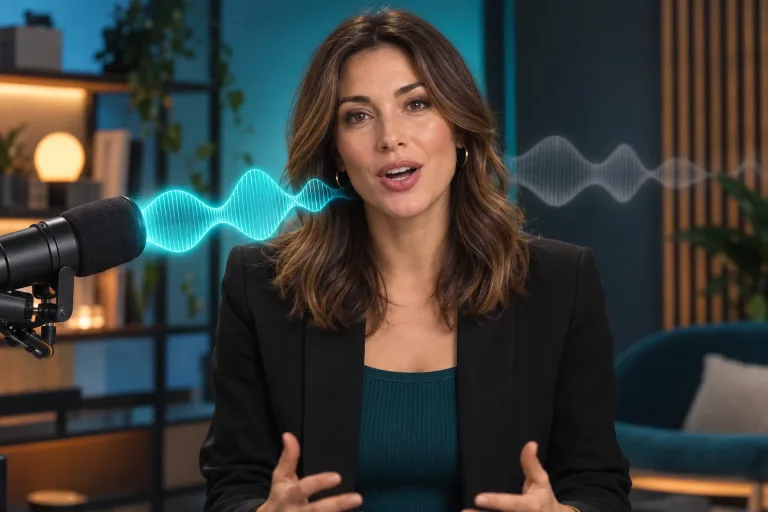
How to use Lip Sync
Upload a clear talking-face video
Under "Your video", add footage where the face looks toward the camera and is well lit. The mouth should never be hidden by hands or a microphone. Only the mouth area is adjusted. Expression and framing stay as filmed.
Add the new audio, trimmed
Under "Audio file", upload clean speech without music or background noise: MP3, WAV or M4A, up to 30 MB. The result follows the audio, so trim both files to just the part you need. Leave no long silence at either end, and keep the video about as long as the line.
Confirm consent
Check the consent box: everyone shown must have agreed. Never put words in a real person's mouth without permission. The sync is automatic and works from the video and audio alone.
Watch the lips, then fix the source
Press "Sync lips" and play the result with sound, watching closed-lip sounds such as p, b and m. If the mouth lags or blurs, use a sharper, more frontal clip or cleaner audio. That helps more than running the same files again. For a crisper final file, upscale the video afterwards.
What a real job costs here
Runs on this page cost 13 credits per second. At the best pack rate that is about $0.1384 per second. A 6-second clip costs 78 credits, roughly $0.83.
| Pack | Credits | Seconds with Lip Sync |
|---|---|---|
| $9 | 750 | 57 |
| $19 | 1,650 | 126 |
| $39 | 3,500 | 269 |
| $79 | 7,300 | 561 |
| $149 | 14,000 | 1,076 |
What this model is good at and where it stops
Lip Sync
The missing step in AI video
Generated voiceovers used to give away the edit. Lip sync closes that gap. The face keeps its expression while the mouth follows the new track.
Pairs with two other tools
Generate the voice first, then sync it here. A cloned voice plus lip sync turns one recording into a whole campaign.
What to upload
A clear frontal shot and a clean audio file. Video and audio length should roughly match.
What a run costs here
13 credits per second. The exact total sits above the button before you generate.
Frequently asked questions
What audio can I use?
MP3, WAV or M4A. Generated voiceovers work as well as recordings.
Does the face change?
No. Only the mouth region is adjusted. Expression and framing stay as filmed.
Do I need consent?
Yes, and only with the consent of the person on screen. Do not make anyone say words they did not agree to.
How many credits does each second of lip-synced video take?
13 credits per second. The exact total appears above the button before you generate.
