How to use YouTube Description Generator
Gather the facts about the video
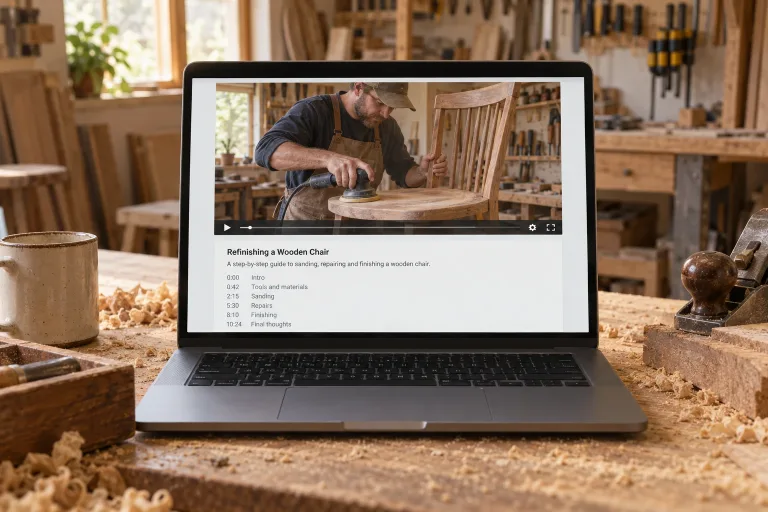
Note the topic, the length and each section with its start time. Add the links to list and the words people would search for. The tool only knows what you write, so its timestamps are only as accurate as the times you give.
Use a Style preset as a template
Standard, SEO, Short, Podcast and Tutorial fill the box with a complete request for a sample video. They replace any text already there. Keep the structure you like and swap the sample topic, title and length for your own.
Describe your video in the box
Under "What is the video about?", give the topic, length and sections with times, plus links and keywords. For example: "small home studio tour, 9 min: 0:00 intro, 1:40 desk, 5:10 lighting".
Check the hook and every timestamp
Press "Generate description" and read the first two lines. They are all viewers see before expanding, so they must carry the hook. Check each timestamp against the video and replace link placeholders with real links before pasting.
What a real job costs here
Runs on this page cost 3 credits. At the best pack rate that is about $0.0319.
| Pack | Credits | Runs with Short-form Copy |
|---|---|---|
| $9 | 750 | 250 |
| $19 | 1,650 | 550 |
| $39 | 3,500 | 1,166 |
| $79 | 7,300 | 2,433 |
| $149 | 14,000 | 4,666 |
What this model is good at and where it stops
Short-form Copy
The first two lines are the ad
Everything after that sits behind a click. Put the promise and the hook up top, links and credits underneath.
Timestamps are retention
Viewers who jump to the part they want stay longer than viewers who bounce. Chapters are the cheapest retention tool on the platform.
Search reads this box
Keywords in the description help the video surface in search and suggestions. Write for humans first, but include the words people type.
What a description is actually for
Two audiences read it and they want different things. The first two lines sit above the fold. They have to make someone click expand, so they work like a subtitle. Everything below is for search: timestamps, names of things you mention, and links. One register serves neither audience.
Frequently asked questions
Will it write timestamps?
Yes, if you list the sections with their start times. The box is too short for a full transcript of a long video, so give a section list instead. Without times, the timestamps are guesses.
Can it do other platforms?
Name the platform in the prompt and the structure adapts.
Can it watch my video?
No. It only reads the text you write, so describe the content, the sections and the links you want listed.
How many credits does one YouTube description take?
3 credits per run. The exact total appears above the button before you generate.
