How to use AI Video Effects
Upload one still image
Add a photo or frame under "Your image": JPG, PNG or WebP, up to 10 MB. The whole effect grows out of this single still. Choose a sharp shot with the subject clearly separated and free space around it for sparks, drips or shards.
Pick a preset or describe the effect
Tap a "Style preset" chip such as "Explosion" or "Glitch" to load a full description and edit it. Or write your own in "Describe the effect (or pick a preset)". For example: "the statue crumbles into sand, background unchanged". It is optional, but only a preset or your words tell the model which effect to make.
Choose model, length and resolution
Under "Model", pick one of the three engines. Each has its own durations and resolutions, and options it cannot do are grayed out. "What matters most?" only sets the resolution. Effects read best short, so start with the shortest length on offer.
Check where the effect lands
Press "Generate effect" and check that the effect hits the right subject. The rest of the frame should stay put. If it lands on the wrong object or barely shows, name the object and its position. Also say what must stay unchanged. If the whole scene warps, try another engine.
What a real job costs here
The cheapest model on this page charges 12 credits per second and the most expensive 27 credits per second. At the best pack rate that is about $0.1277 up to $0.2874 per second. A 6-second clip costs 72 credits, roughly $0.77.
| Pack | Credits | Seconds with Veo 3.1 Lite |
|---|---|---|
| $9 | 750 | 62 |
| $19 | 1,650 | 137 |
| $39 | 3,500 | 291 |
| $79 | 7,300 | 608 |
| $149 | 14,000 | 1,166 |
Choosing between the models on this page
Veo 3.1 Lite: Drafting and testing camera moves before spending on a flagship. Among the lowest video rates here. Watch out for: lower detail.
Kling 3.0: Action, product handling and anything where physics has to look right. Physical motion at 1080p. Watch out for: no sound: clips come back silent.
Seedance 2.5: Long single takes with dialogue, and reference-heavy work built from files you supply. Native 30-second generation in one pass. Watch out for: no 1080p or 4K on this route; 480p and 720p only.
VFX used to be a budget line
Now it is a prompt and a few seconds of render. The look will not fool a supervisor, but it will hold a feed.
Effects that travel
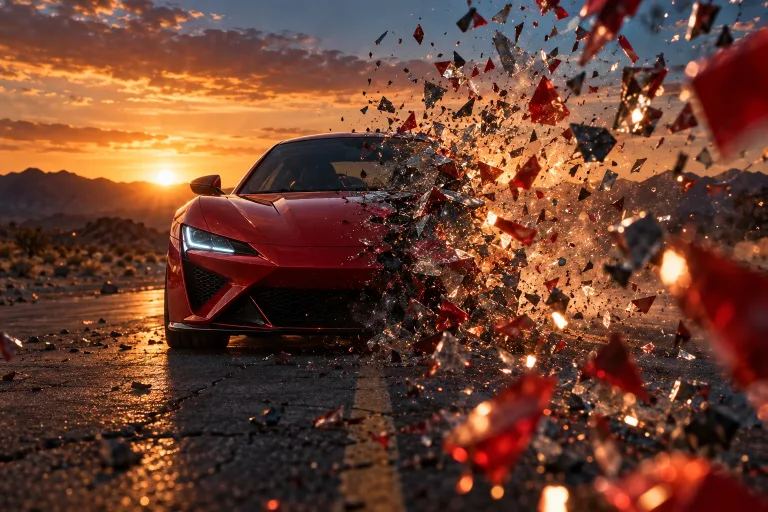
Explosion, morph, melt, glitch, shatter and time lapse. Short, loud and built for the first second of a scroll.
Sound finishes the illusion
An effect without audio reads as a draft. Generate the matching sound effect and drop it under the clip.
Frequently asked questions
Do I need a video to start?
No. One still image is enough. The effect happens over the generated motion.
Can I combine effects?
Run them as separate takes, then cut them together in your editor.
How is it priced?
Per second of video, quoted before you generate.
What does Veo 3.1 Lite cost here?
12 credits per second. The exact total appears above the button before you generate.
