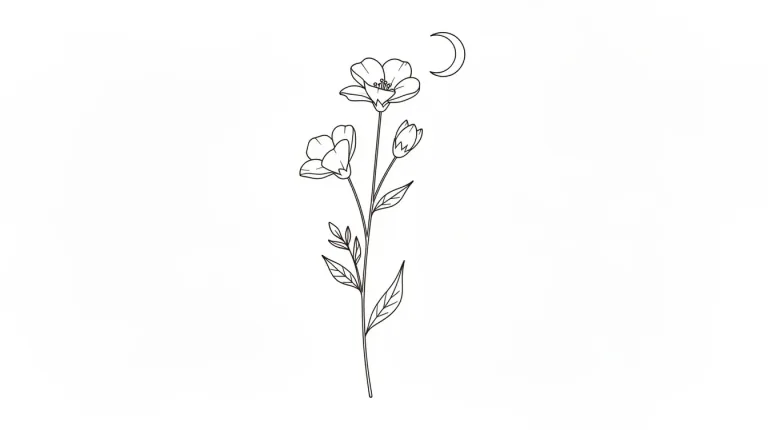
How to use AI Tattoo Generator
Start from a style preset
Pick a Style preset: Fine line, Traditional, Geometric, Japanese, Script or Blackwork. It fills the box with a complete example prompt and replaces what you typed. Choose the style first, then rewrite the subject.
Describe the subject and placement
In "Describe the tattoo", name the subject, the line style and where it goes. For example: "a fox curled around a crescent moon, fine line, inner wrist". The placement matters: the design is composed for that part of the body.
Match the format to the spot
Under Format, pick Portrait 4:5 or 9:16 for a forearm, calf or spine piece. Square 1:1 suits a round motif, and Landscape 16:9 a piece across the chest or collarbones.
Check the linework, then refine
Press "Generate design" and check line weight and details too small to hold up in skin. Also check the spelling of any lettering, a weak point here. If it looks busy, cut the prompt to one subject and one style. Upscale the design you keep: your artist will still redraw it.
What a real job costs here
Runs on this page cost 16 credits. At the best pack rate that is about $0.1703.
| Pack | Credits | Runs with FLUX 2 [max] |
|---|---|---|
| $9 | 750 | 46 |
| $19 | 1,650 | 103 |
| $39 | 3,500 | 218 |
| $79 | 7,300 | 456 |
| $149 | 14,000 | 875 |
What this model is good at and where it stops
FLUX 2 [max]: Everyday photoreal image generation and iteration. Photorealistic default. Watch out for: text rendering is weaker than GPT Image 2.
Style decides everything
A compass in fine line and the same compass in blackwork are two different tattoos. Pick the style first, then spend the prompt on the subject and the placement.
Bring it to an artist, not to a needle
Generated designs are references. A tattooist has to redraw them for skin, flow and the way ink spreads over years.
Get it print-ready
Upscale the design before you send it. Line detail that looks fine on screen falls apart on a printed stencil.
Frequently asked questions
Can I get a stencil?
The output is an image. Upscale it and your artist can work from that.
Will it match my body shape?
Describe the placement, for example forearm or ribs. The model composes for that shape.
Can I use the design?
Yes for your own tattoo. Recognizable characters and existing artwork carry their own rights.
What does FLUX 2 [max] cost here?
16 credits per image. The exact total appears above the button before you generate.
