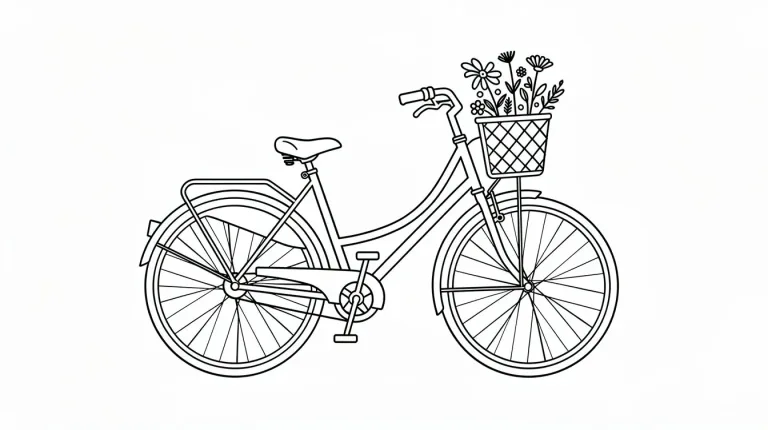
How to use Line Art Generator
Pick a line style first
Click a "Style preset" chip: Single weight, Sketch, Technical, Botanical or Bold ink. It loads that line style into the text box and replaces anything already typed, so choose it before writing. Single weight suits stencils and logos, Botanical suits prints.
Add one subject, no background
In "Describe the subject", add what to draw and from which side. For example: "a heron standing on one leg, side view". This page has no upload, so the subject must come from your words. Leave out backgrounds and extra objects: line art fails on noise.
Choose the format
Under "Format", match the shape to the subject and its use. Use Square 1:1 for stencils and icons, and Portrait 4:5 or 9:16 for tall subjects and prints. Landscape 16:9 fits wide scenes such as a skyline. Square is selected by default.
Check the lines, then fix
Press "Generate line art" and zoom in on joins and line ends. If shading or gray fill creeps in, add "no shading, no fill, white background". For coloring, ask for closed outlines. The output is a raster image. Upscale it and trace it in a vector editor if you need an SVG.
What a real job costs here
Runs on this page cost 16 credits. At the best pack rate that is about $0.1703.
| Pack | Credits | Runs with FLUX 2 [max] |
|---|---|---|
| $9 | 750 | 46 |
| $19 | 1,650 | 103 |
| $39 | 3,500 | 218 |
| $79 | 7,300 | 456 |
| $149 | 14,000 | 875 |
What this model is good at and where it stops
FLUX 2 [max]: Everyday photoreal image generation and iteration. Photorealistic default. Watch out for: text rendering is weaker than GPT Image 2.
Line art fails on noise
The hardest part is what to leave out. Describe one subject and one style, and resist adding background.
Five styles, five uses
Pick single weight for logos and tattoos, sketch for illustration and technical for diagrams. Botanical suits prints and stationery, and bold ink suits comics and posters.
Trace it if you need vectors
The output is a raster image. Upscale it and your design tool will trace clean lines without much cleanup.
Frequently asked questions
Can I use it for a tattoo?
Yes. The tattoo generator is tuned for that specifically, with placement in mind.
Will lines be closed for coloring?
Ask for closed outlines. The coloring page generator handles that case directly.
Can I get an SVG?
Not directly. Upscale and trace it in your vector editor.
What does FLUX 2 [max] cost here?
16 credits per image. The exact total appears above the button before you generate.
