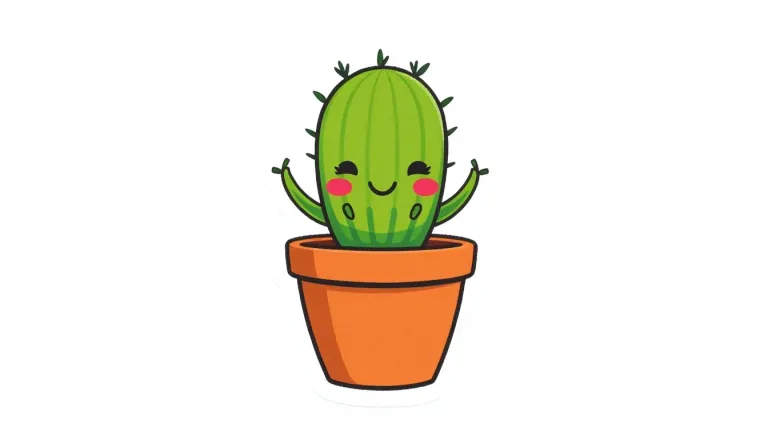
How to use AI Sticker Generator
Describe one subject, bold and simple
In "Describe the sticker", give one subject with a pose or expression. Then add the look: thick white outline, bold lines, three or four flat colors. For example: "sleepy red panda hugging a mug, thick white outline, three flat colors".
Use a preset to build a set
Chips under "Style preset", such as "Cute cat" or "Pixel heart", fill the box with a complete sticker description. They replace your text. For a matching pack, keep the style words and change only the subject each time.
Pick the format
Under "Format", "Square 1:1" is selected and suits most stickers. Choose "Portrait 4:5" or "Portrait 9:16" for a tall character and "Landscape 16:9" for a wide badge or lettering.
Check it small, then cut it out
Press "Generate sticker" and zoom out to phone size. Thin lines and fine detail disappear first, so ask for bolder outlines and fewer colors if needed. The image comes with a background; remove it and upscale before printing.
What a real job costs here
Runs on this page cost 1 credit. At the best pack rate that is about $0.0106.
| Pack | Credits | Runs with FLUX schnell |
|---|---|---|
| $9 | 750 | 750 |
| $19 | 1,650 | 1,650 |
| $39 | 3,500 | 3,500 |
| $79 | 7,300 | 7,300 |
| $149 | 14,000 | 14,000 |
What this model is good at and where it stops
FLUX schnell: Thumbnails, tests and high-volume drafting. Lowest image rate here. Watch out for: lower detail than FLUX 2.
The white border does the work
A die-cut sticker reads because of the outline around it. Ask for the border and the design pops off whatever it lands on.
Make a sheet, not a sticker
Stickers sell and share in sets. Reuse the prompt, change the subject, keep the style and you have a coherent pack.
Cut the background before printing
Print shops want transparency, and the result comes on a plain background. The background remover is one click from the result.
Why stickers need thicker lines
A sticker is read at forty pixels on a phone, not at full size. Thin outlines disappear and fine gradients turn into mud. Ask for bold outlines and three or four flat colors. Check the result zoomed out before you commit to a set.
Frequently asked questions
Can I print these?
Yes. Upscale first so the outline stays crisp on vinyl.
Can I sell them?
Yes on paid packs. Recognizable characters carry their own rights.
Will they work on Telegram or WhatsApp?
Cut the background and resize to the platform requirement.
What does FLUX schnell cost here?
1 credit per image. The exact total appears above the button before you generate.
