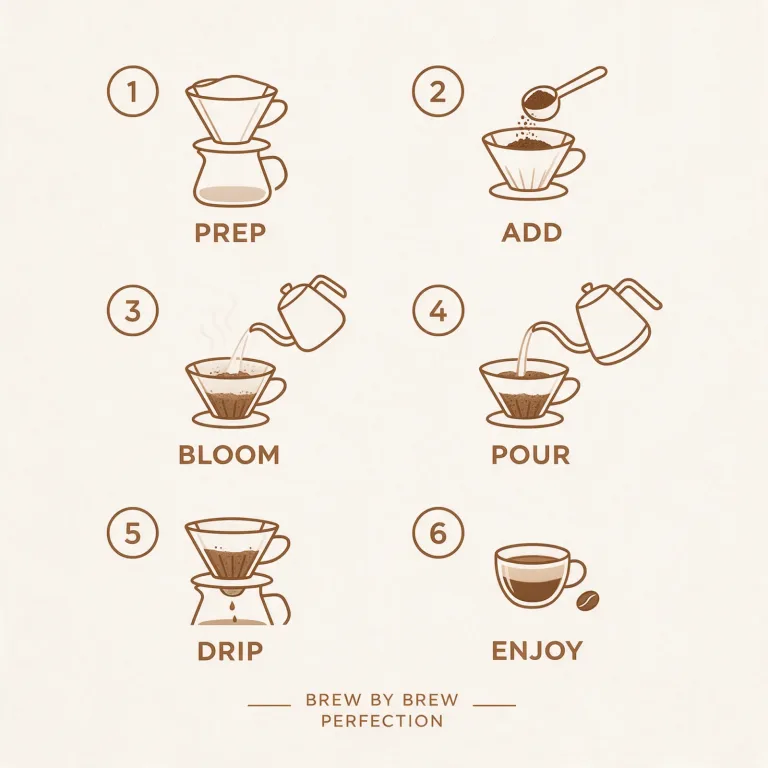
How to use AI Infographic Generator
Gather the real figures first
The model lays out what you give it. It does not research or check data. Before writing, collect the title, the exact numbers or dates and the source. Add a label of a few words for each item. A handful of items reads better than a crowded page.
Pick a structure
Click a "Style preset" chip: Timeline, Steps, Comparison, Statistics or Process map. It fills the text box with a complete example brief and replaces whatever is there. Choose it before you type your own content.
Swap in your content
In "What should it explain?", replace the example topic with yours and paste your figures and labels. For example: "website visits 2025: Q1 12,400, Q2 15,100, Q3 18,900, bar chart, navy and orange". Name one or two colors and keep every label short: long sentences break the layout.
Proofread every number
Press "Generate infographic" and compare each figure, label and spelling with your source. If text comes out garbled, cut the number of items and shorten the labels. The result is an image: for editable text, rebuild it in your design tool, and upscale it before printing.
What a real job costs here
Runs on this page cost 14 credits. At the best pack rate that is about $0.1490.
| Pack | Credits | Runs with Seedream 5.0 Pro |
|---|---|---|
| $9 | 750 | 53 |
| $19 | 1,650 | 117 |
| $39 | 3,500 | 250 |
| $79 | 7,300 | 521 |
| $149 | 14,000 | 1,000 |
What this model is good at and where it stops
Seedream 5.0 Pro: Design work, posters and multilingual layouts. Full layouts in 15 languages. Watch out for: not the top choice for photoreal skin.
Structure before decoration
Timeline, steps, comparison, statistics or process map. Pick the structure that matches your content and the visual almost designs itself.
Give it the real numbers
The model lays out what you write. Vague input produces decorative shapes with nonsense labels, so put the actual figures in the prompt.
Always proofread
Generated charts can look right and be wrong. Check every number and label before this goes anywhere near a client.
Frequently asked questions
Will the data be accurate?
Only if you supply it. The model does layout, not analysis.
Can I edit it afterwards?
It is an image. For editable text, use it as a layout reference in your design tool.
What about long text?
Keep labels short. Long paragraphs break the layout and the typography.
What does Seedream 5.0 Pro cost here?
14 credits per image. The exact total appears above the button before you generate.
