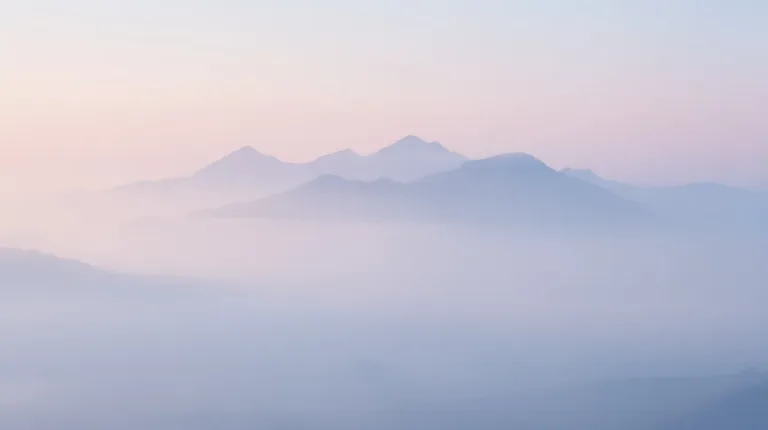
How to use AI Wallpaper Generator
Pick a Style preset or start blank
Each Style preset, such as Night city or Botanical, fills Describe the wallpaper with a complete, editable description. It replaces what is already there. Leave out words and lettering: text inside the image is a weak point of this generator.
Describe the scene and leave calm space
Give the subject, colors and mood. Say where the image should stay calm, since icons and the clock sit on top. For example: "desert dunes at dusk, warm sand tones, clear sky in the upper half".
Pick the Format for your screen
Under Format, choose Portrait 9:16 for a phone or Landscape 16:9 for a monitor. Portrait 4:5 and Square 1:1 suit other uses. The shape comes from Format, not from ratios typed in the text. Cropping a square later cuts away the edges.
Check it behind your icons
Press "Generate wallpaper" and view the result at screen size with your icons in mind. If the middle is busy, add "empty space in the center" to the description and generate again. Upscale the final image afterwards so it stays sharp on high-resolution screens.
What a real job costs here
Runs on this page cost 16 credits. At the best pack rate that is about $0.1703.
| Pack | Credits | Runs with FLUX 2 [max] |
|---|---|---|
| $9 | 750 | 46 |
| $19 | 1,650 | 103 |
| $39 | 3,500 | 218 |
| $79 | 7,300 | 456 |
| $149 | 14,000 | 875 |
What this model is good at and where it stops
FLUX 2 [max]: Everyday photoreal image generation and iteration. Photorealistic default. Watch out for: text rendering is weaker than GPT Image 2.
Composition matters more than detail
A wallpaper sits behind icons. Leave the center calm and put the interest at the edges, or your home screen turns into noise.
Ratio first, then subject
Pick the Format before describing anything: Portrait 9:16 for a phone, Landscape 16:9 for a desktop. Generating square and cropping later wastes the best part of the image.
Upscale to your screen
Modern displays are dense. Generate here, then run the result through the Image Upscaler so the wallpaper is sharp rather than soft.
Frequently asked questions
What resolution do I need?
Phones want tall and dense, desktops wide. Upscale after generating rather than asking for a size.
Can I sell wallpaper packs?
Yes on paid packs, under the UGESI terms.
Why is the center busy?
Ask for negative space in the middle. The model follows that instruction well.
What does FLUX 2 [max] cost here?
16 credits per image. The exact total appears above the button before you generate.
