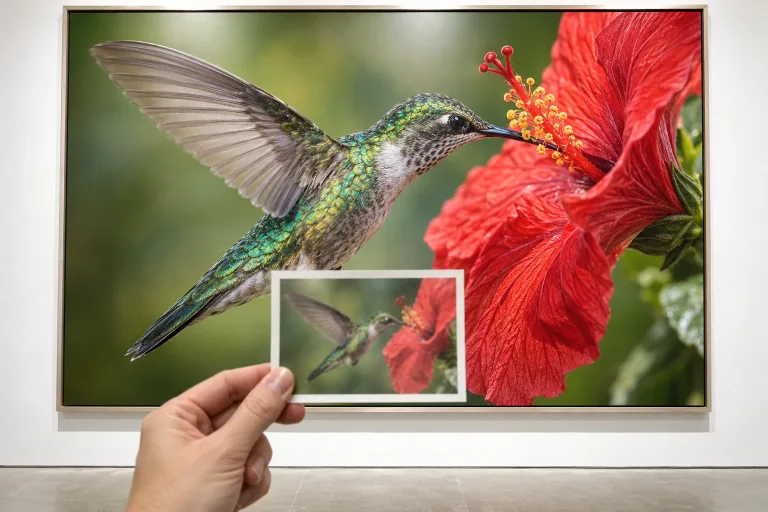
How to use AI Image Resizer
Upload the image to enlarge
Add it under Your image: JPG, PNG or WebP up to 10 MB. The tool enlarges it 4× and rebuilds detail but keeps the shape and content. To change the aspect ratio, use Expand Image instead. Start from the least compressed file you have.
Run the enlargement
The enlargement is automatic and works from the image alone, with nothing to set. Press "Resize image" and the result comes back at 4× the size.
Check detail at full size
Zoom to 100% on faces, text and fine patterns. Rebuilt detail works better on texture and landscapes than on faces and signs. If the source is blurry, unblur it first. If a face looks invented, restore it first, then resize.
What a real job costs here
Runs on this page cost 10 credits. At the best pack rate that is about $0.1064.
| Pack | Credits | Runs with Upscale 4× |
|---|---|---|
| $9 | 750 | 75 |
| $19 | 1,650 | 165 |
| $39 | 3,500 | 350 |
| $79 | 7,300 | 730 |
| $149 | 14,000 | 1,400 |
What this model is good at and where it stops
Upscale 4×: Taking a keeper image to print or large format. 4x detail reconstruction. Watch out for: does not change content.
Stretching is not resizing
Classic resizing spreads the same pixels over more space, which is why enlarged photos look soft. This reconstructs the detail instead.
Know which direction you need
Making an image smaller is free in any tool. Making it larger is where the model earns its credits.
Changing the shape is a different job
To change the aspect ratio rather than the size, use expand image. It adds scene instead of stretching it.
Frequently asked questions
How much larger can it go?
Four times the original in one pass. Run it again for more, but check the result.
Will it fix a blurry photo?
Partly. For blur specifically, use unblur image first, then resize.
What formats?
JPG, PNG and WebP up to 10 MB.
What does Upscale 4× cost here?
10 credits per image. The exact total appears above the button before you generate.
